
An overview of various customized icons featured on the Consumer Reports Security Planner website.

← View all projects

Making the Internet Safer for All

Making the Internet Safer for All logo

Most of us know we should be safer online—but figuring out how can feel overwhelming. The internet is full of contradictory advice, technical jargon, and complicated tools. For people trying to protect themselves from fraud, harassment, or surveillance, the gap between “good intentions” and “practical steps” was growing wider.

Services
Website Design, Content Strategy, UX Design

That’s the problem Security Planner set out to solve. Originally developed by The Citizen Lab at the University of Toronto, the tool proved that people wanted clear, trustworthy guidance tailored to their own digital habits. But turning a promising prototype into a trusted global resource required both a long-term strategy and a new technical foundation.

We partnered first with Citizen Lab to map that path forward with a short, medium, and long-term strategy that clarified the purpose of the tool, identified priority audiences, and laid the groundwork for future growth. When Consumer Reports took over stewardship of Security Planner, we worked alongside their team to bring that strategy to life with a complete redesign and rebuild.

The new Security Planner feels both authoritative and approachable. A short quiz leads to a personalized plan, offering expert-reviewed recommendations that are easy to understand and act on. With a free account, users can save and update their plan as their needs evolve. And starting in late 2025, an API release will allow partners to embed Security Planner directly into their own platforms — extending its reach to millions more people.

Today, Security Planner is more than just a tool. It’s a reminder that digital safety doesn’t have to be intimidating. By combining Citizen Lab’s pioneering research with Consumer Reports’ trusted voice, and our own expertise in strategy, design, and development, we helped create a platform that empowers people everywhere to take control of their online lives.

Visit securityplanner.consumerreports.org
A large set of colour customized three-dimensional icons featured in the Consumer Reports Security Planner website.
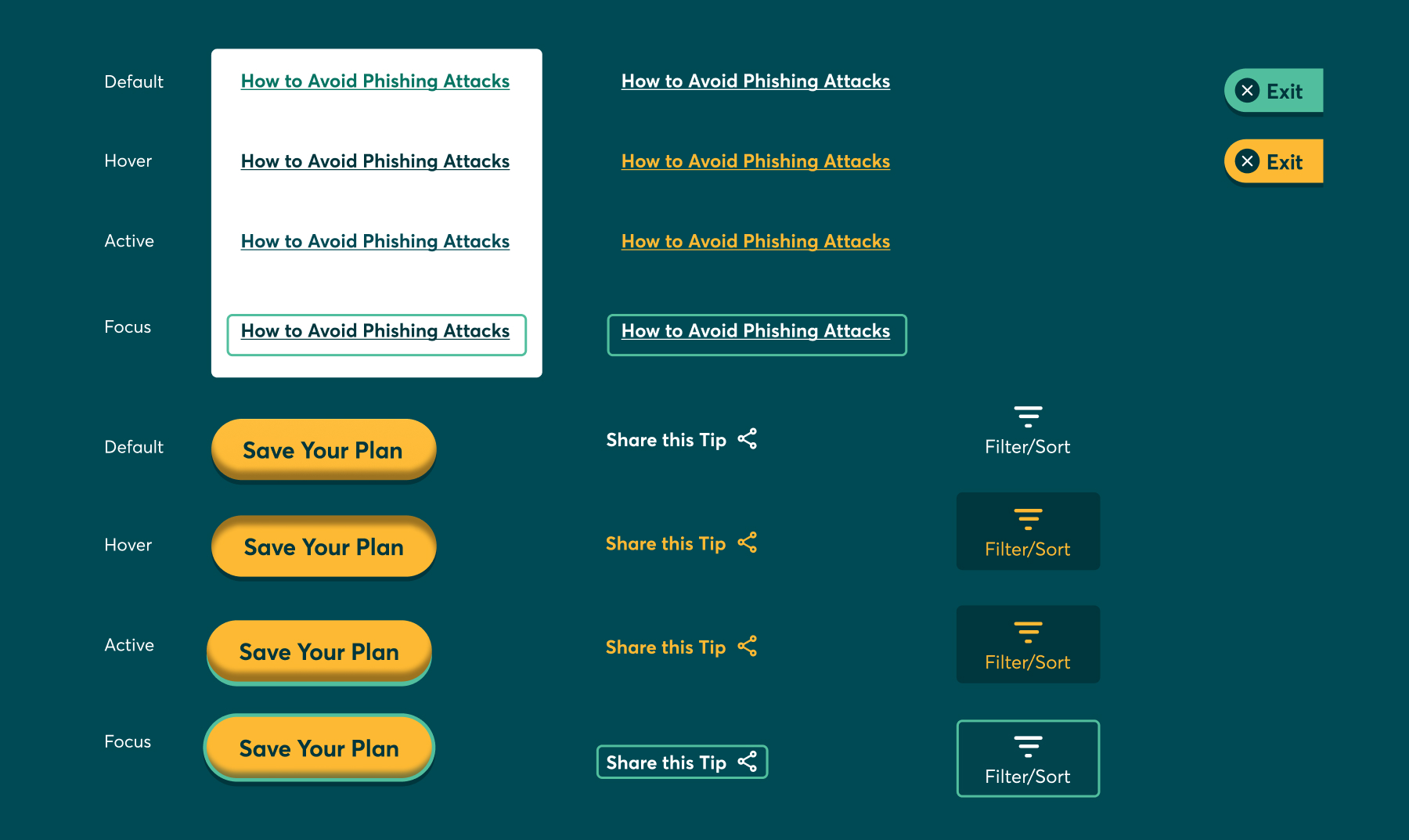
The Style Guide for button and link components outlining different states from default to focus on the Consumer Reports Security Planner website.
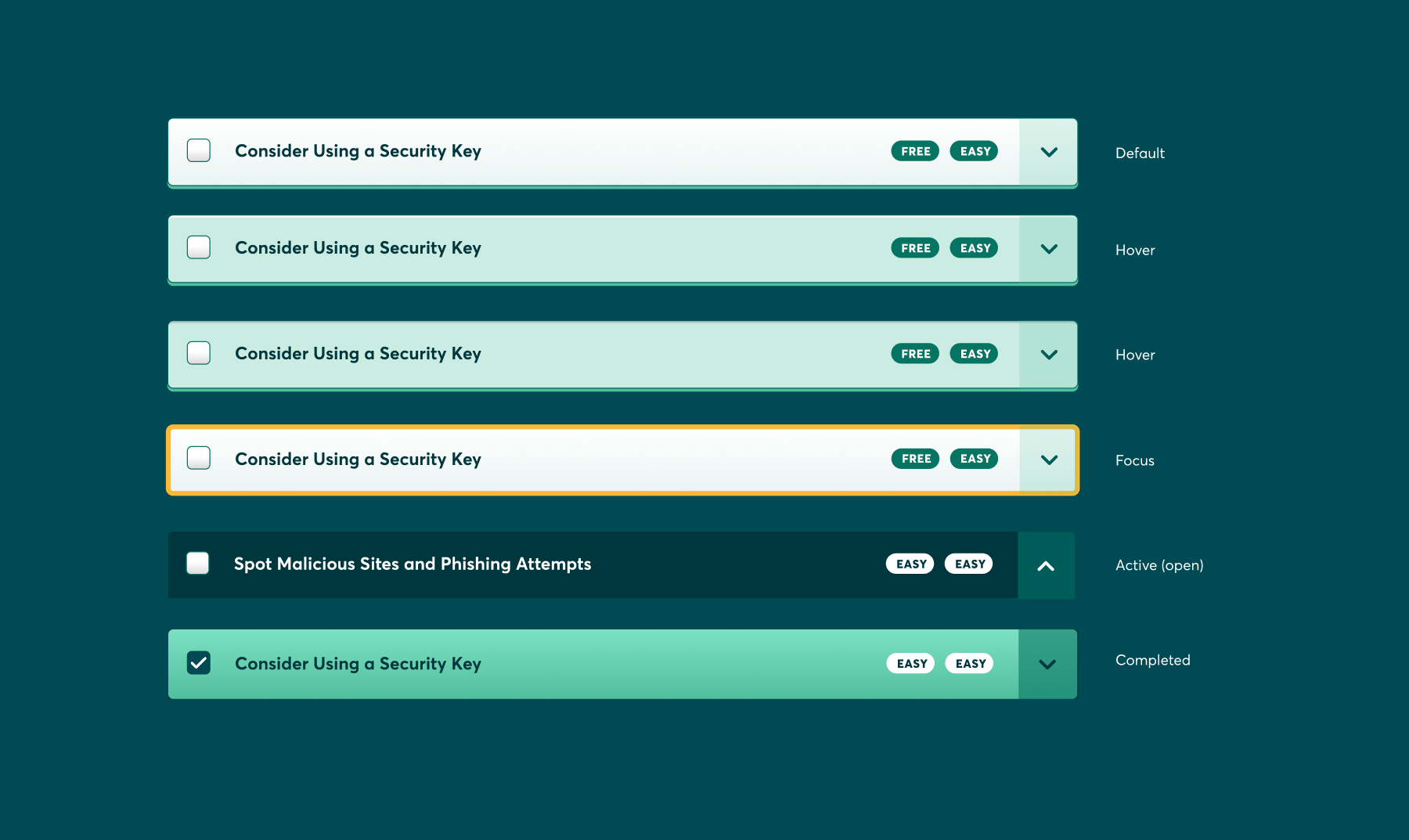
Style guide for an accordion checklist component with different states shown: default, hover, focus, active (open), and completed featured on the Consumer Reports Security Planner website.
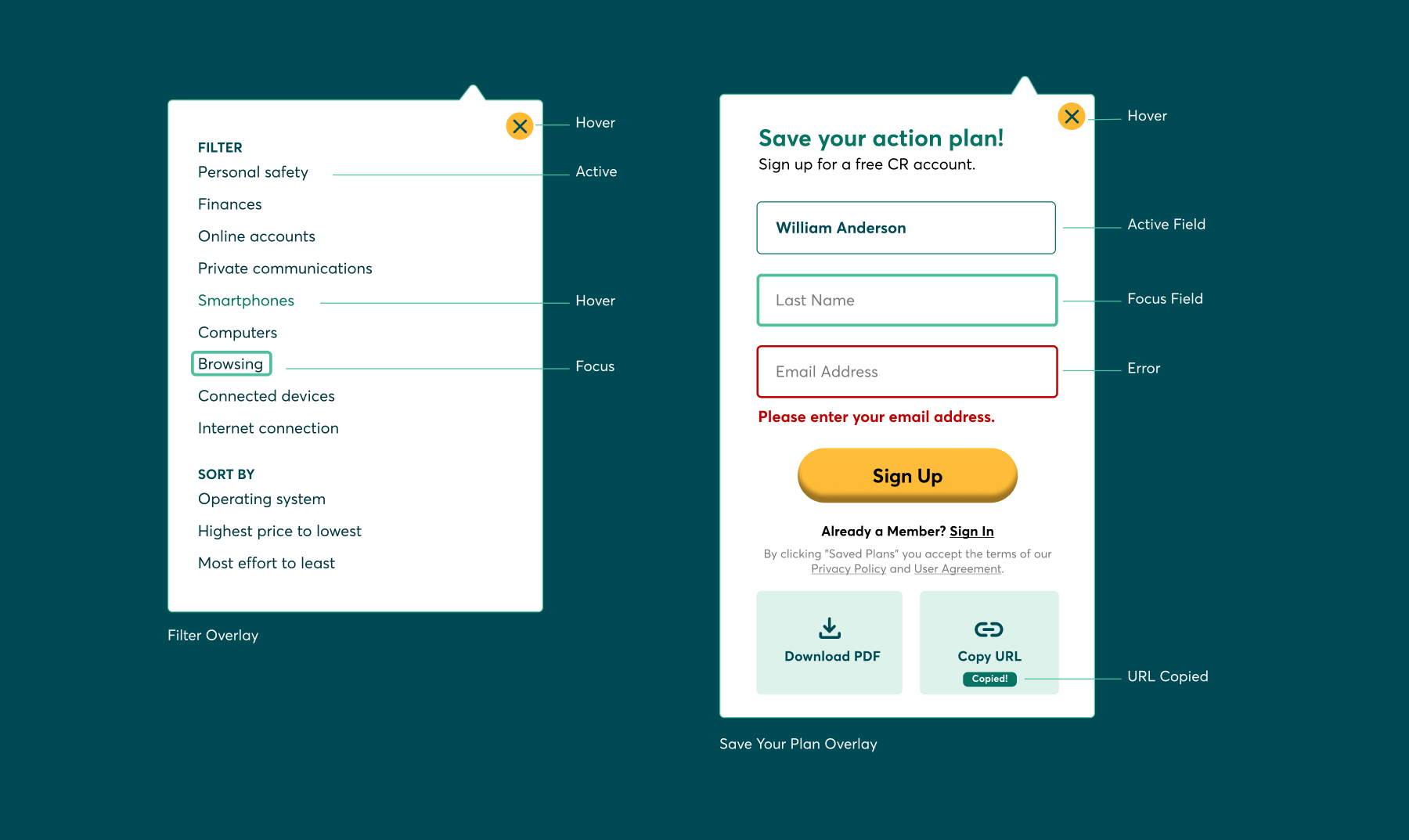
A style guide for overlay components with states for various elements highlighted, ranging from hovering over anchor text to an error in entering text in a text field on the Consumer Reports Security Planner website.
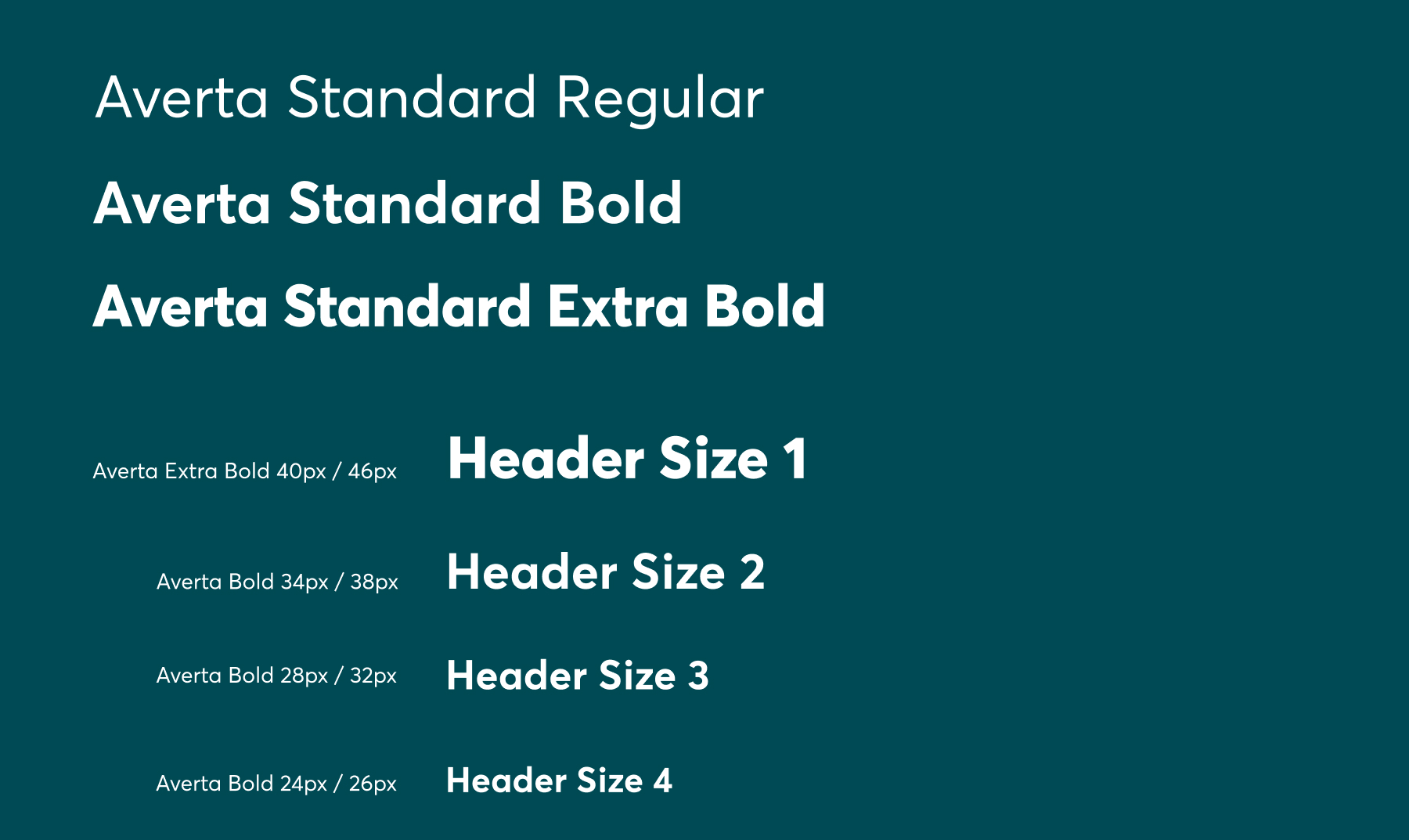
Style guide outlining the typography across the Consumer Reports’ site’s headers.
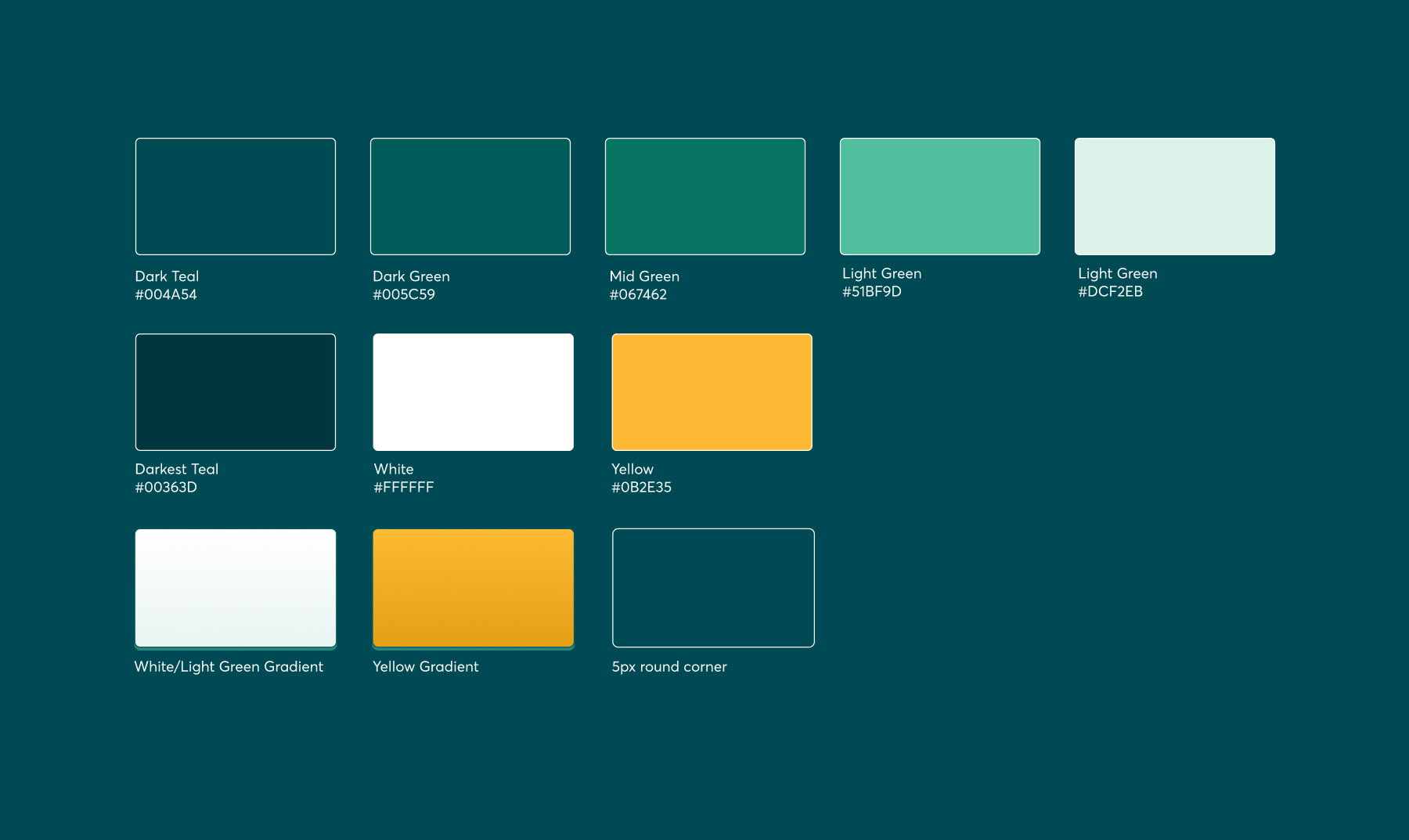
Style guide outlining the colours featured across the Consumer Reports site.
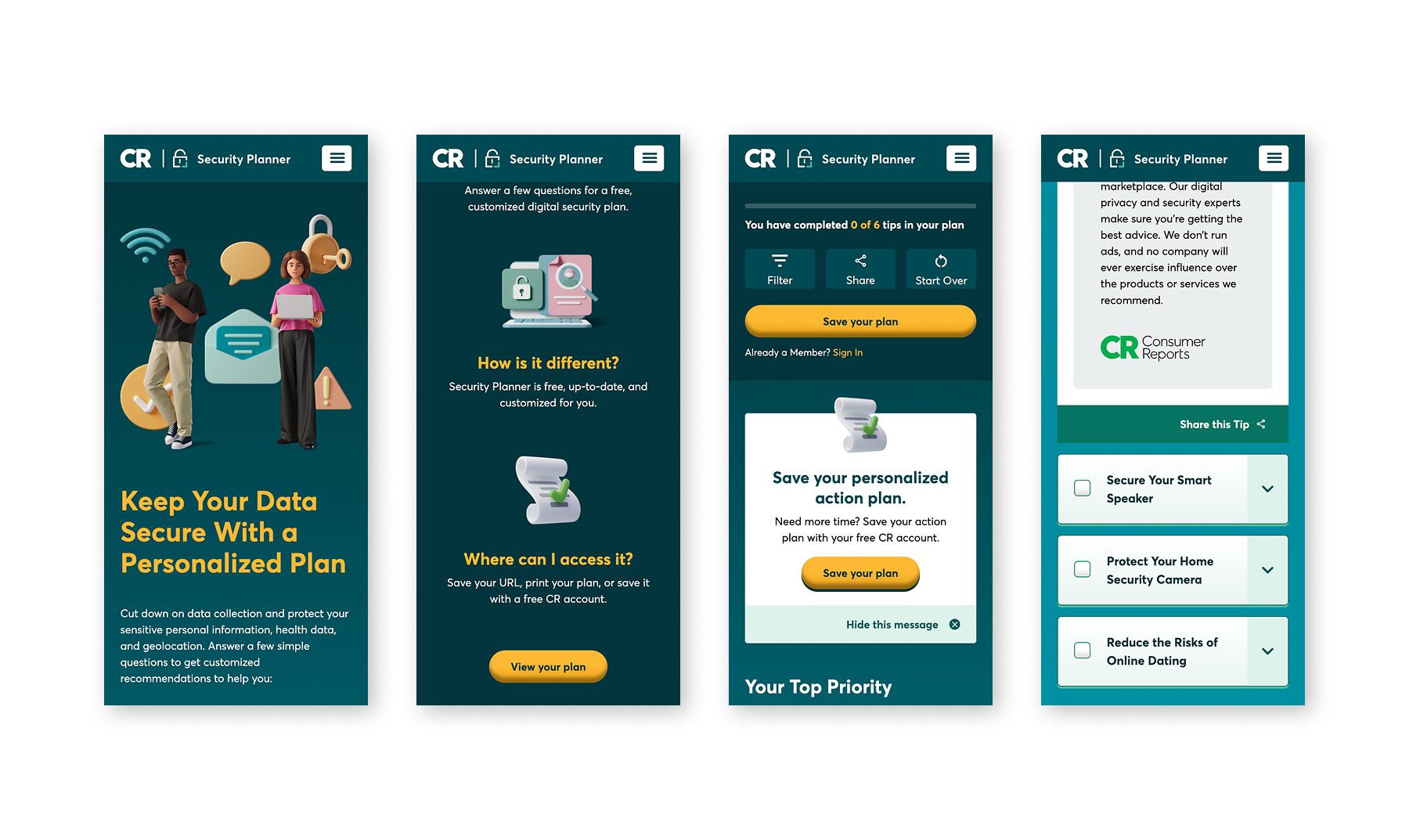
Mobile view of the Security Planner website hero section, home page, security checklist completion page, and personalized security checklist items.
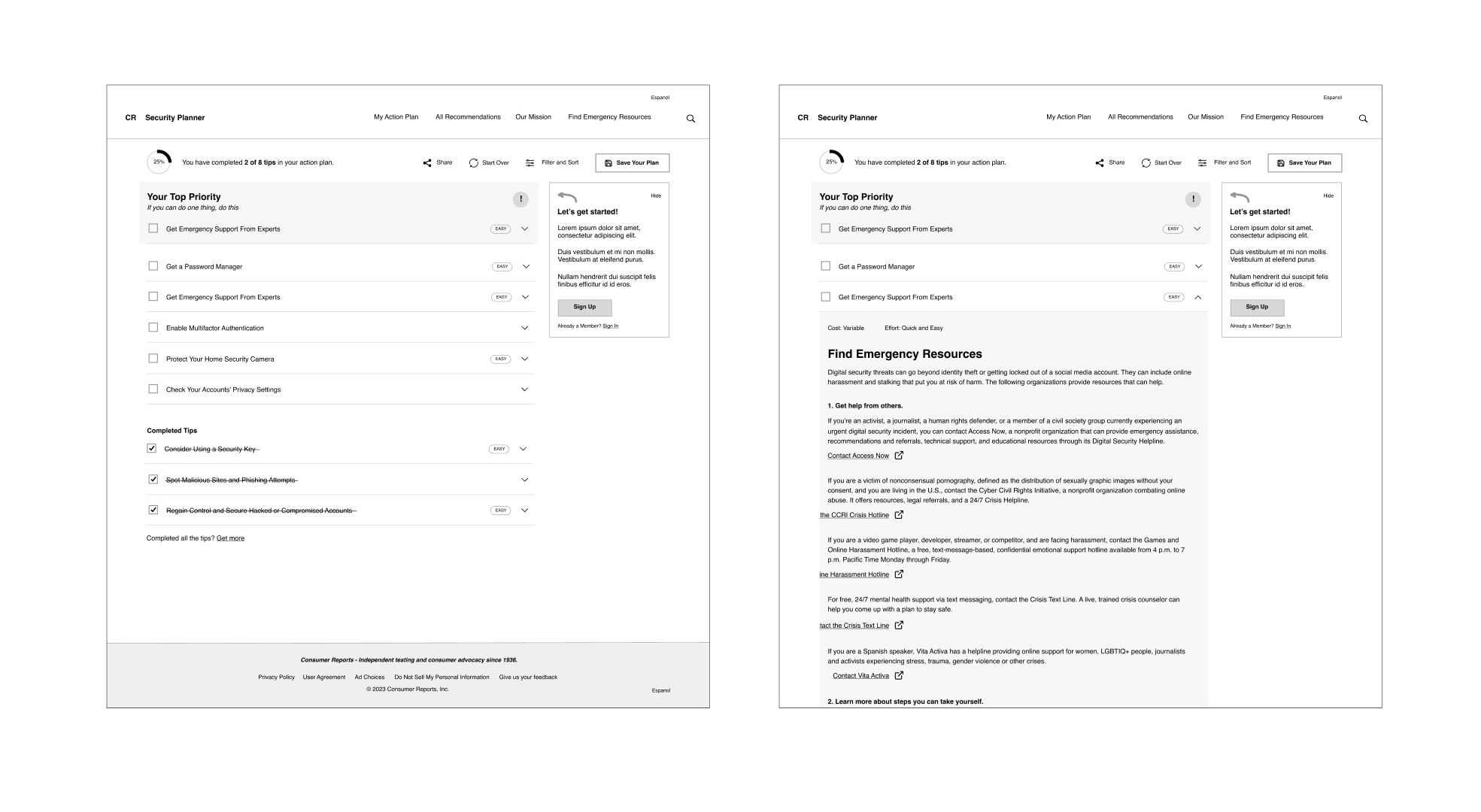
Mid-fidelity wireframes of the personalized security plan checklist in the Consumer Reports website.
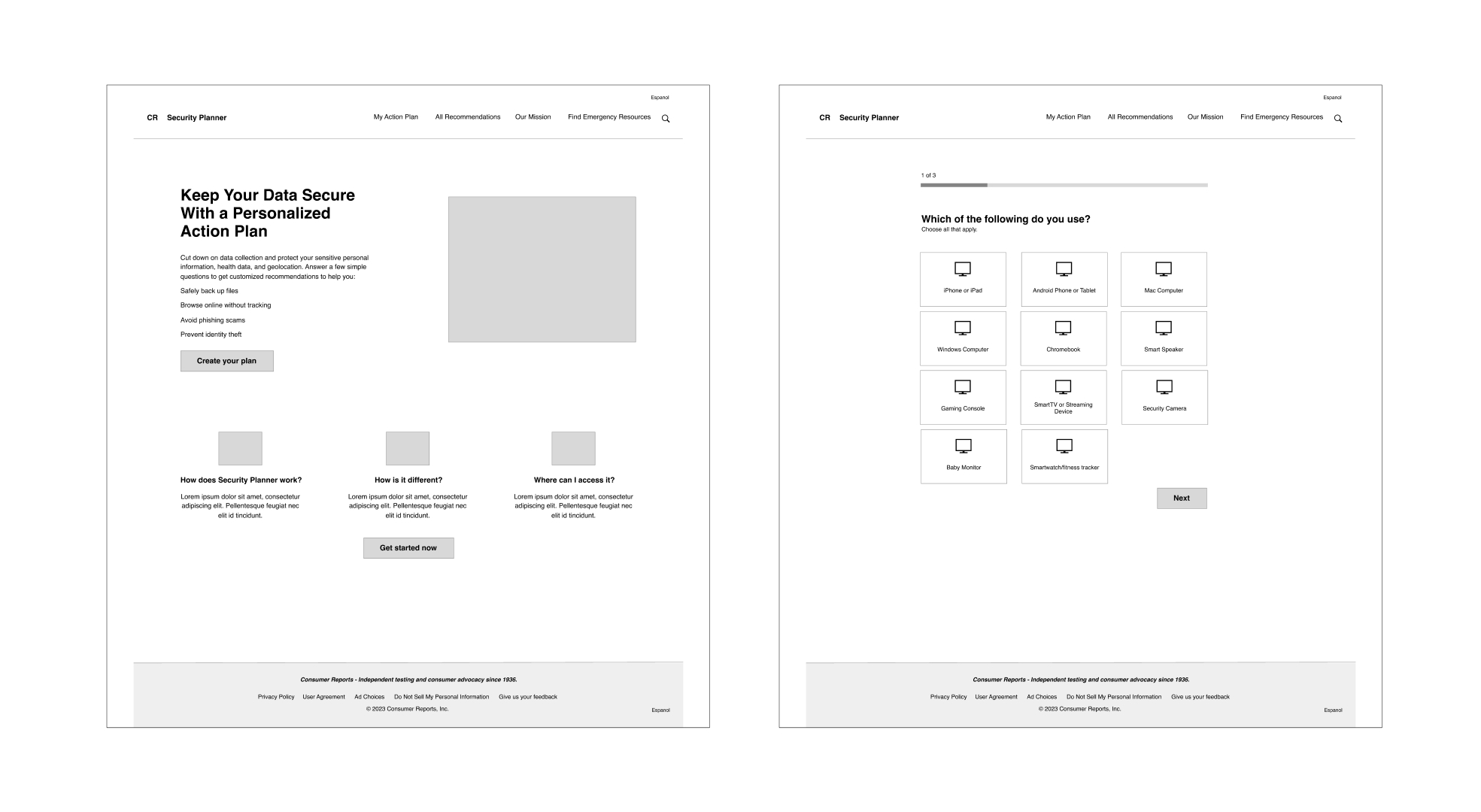
Mid-fidelity wireframes of the Security Planner quiz to create the customized online safety checklist.
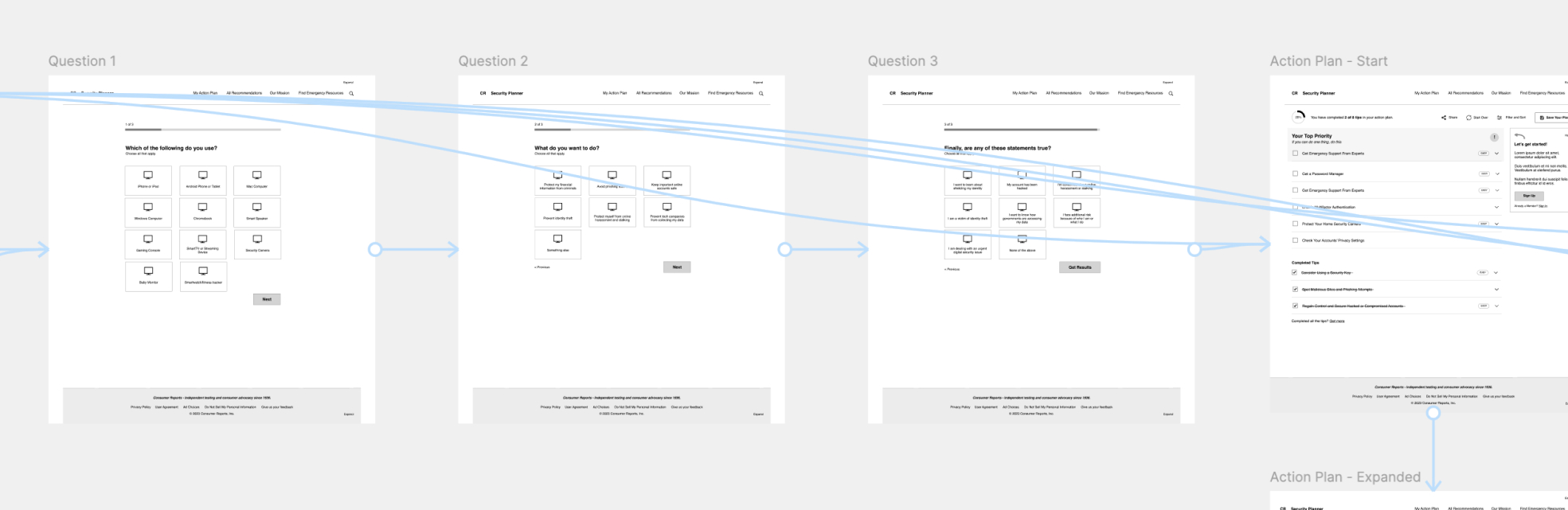
Prototyped mid-fidelity screens outlining the flow for the Security Planner quiz on Figma.
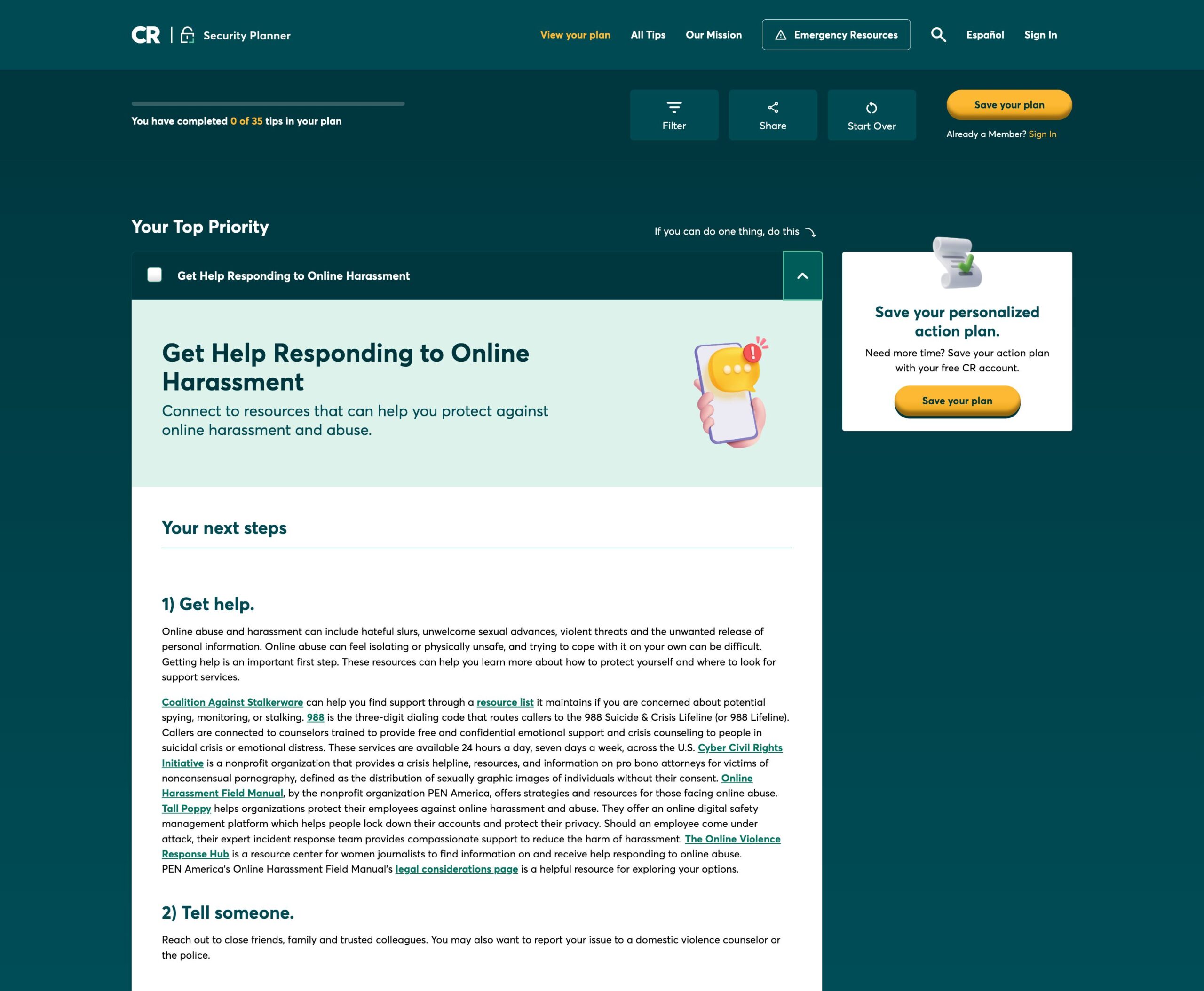
Top priority checklist item dropped down in the personalized action plan results, outlining a tip to stay safe online.
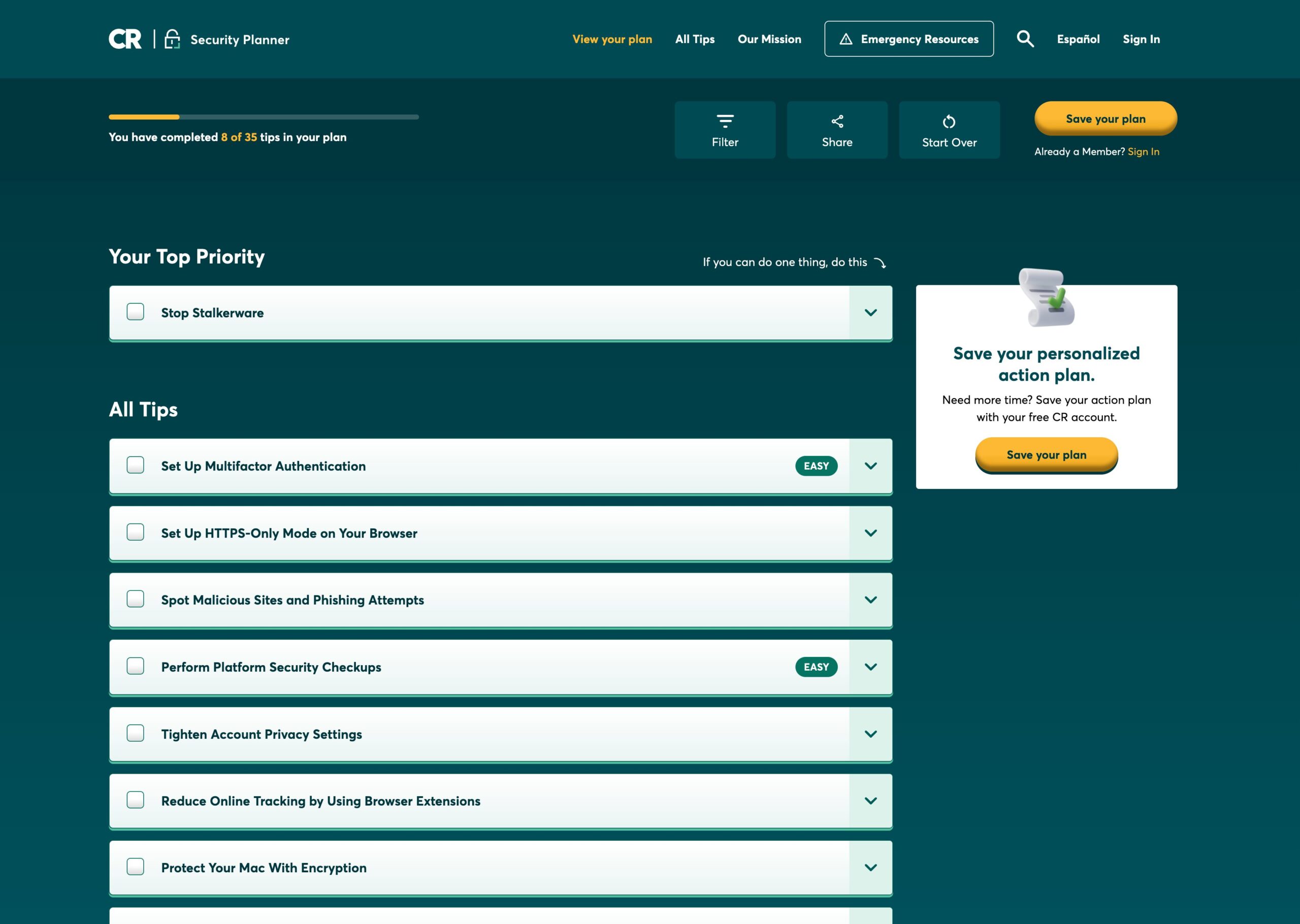
An overview of various checklist items in the personalized action plan results on the Security Planner site.
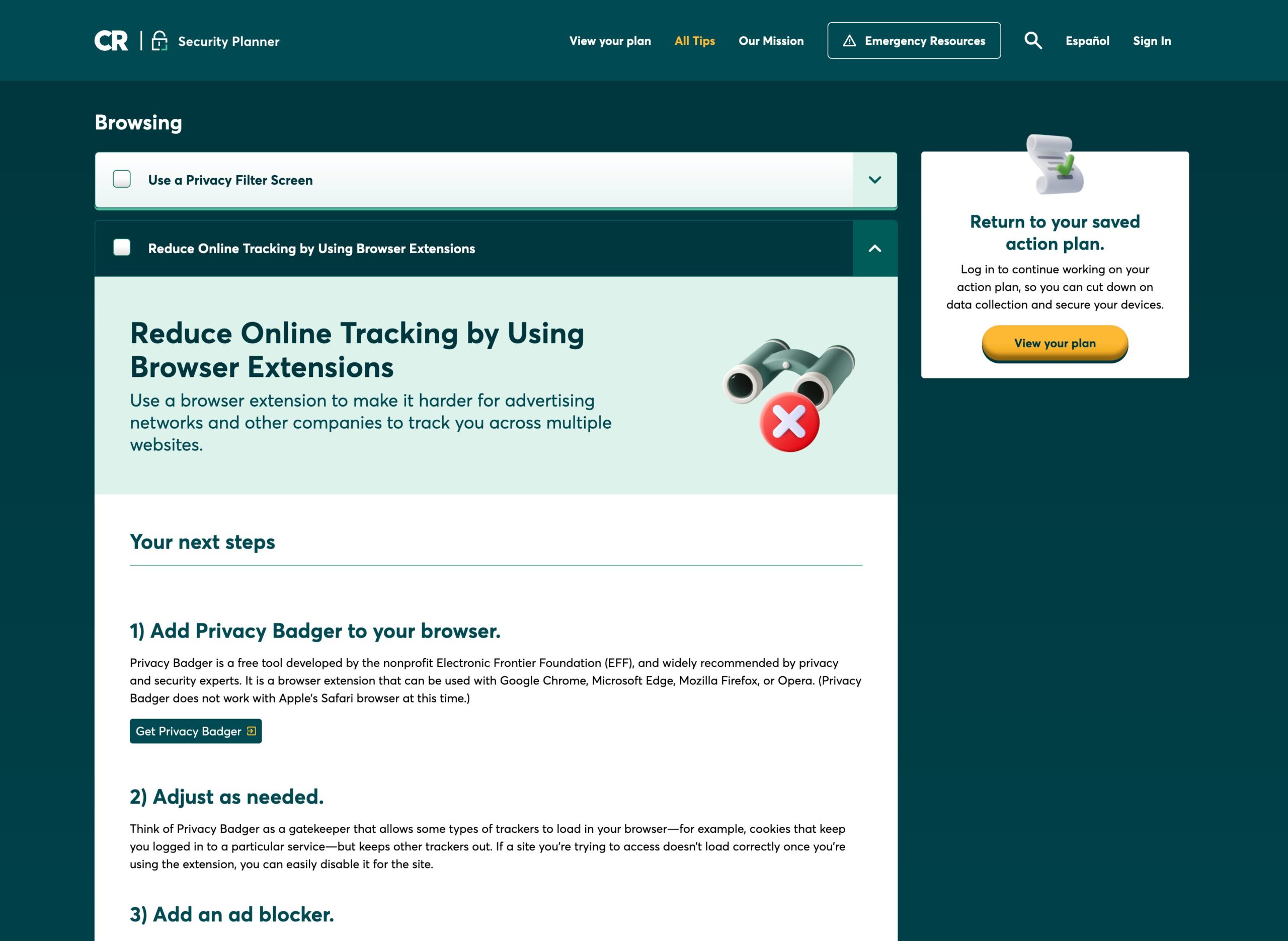
Checklist item dropped down in the personalized action plan outlining a safety tip, with a prompt to sign in and view your saved plan on the right side of the Security Planner site.

Like what you see? Let’s build something great together.

Let's Talk

Significant Other Logo
Copyright © 2026 § EST 2013
YYZ YWG ITA IRL & BEYOND